

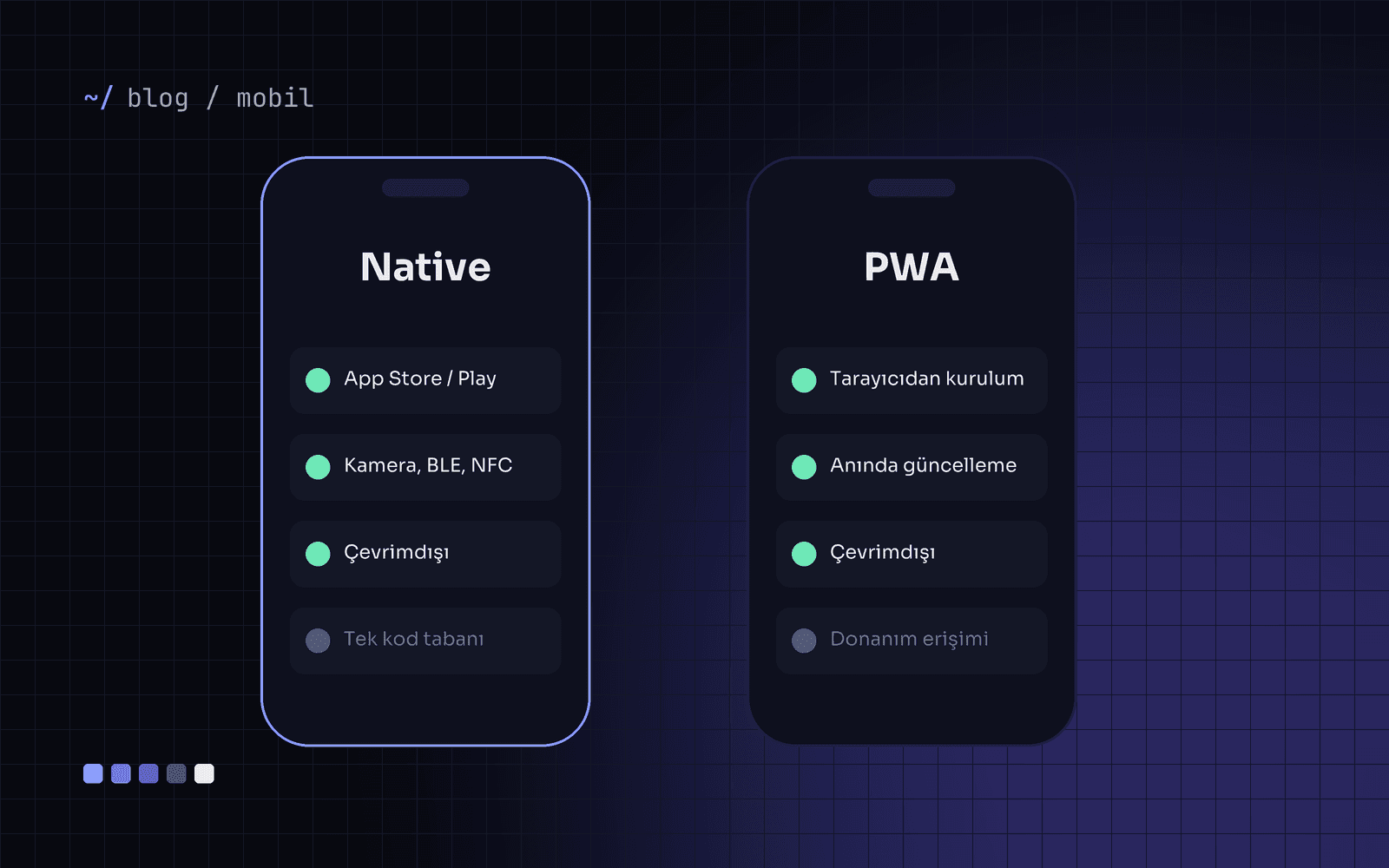
When a client comes to us saying "we want a mobile app", our first question is: how often will your users open it, and which phone features will it need? Depending on the answer, the right choice is sometimes an app in the App Store, and sometimes a PWA (Progressive Web App) installed from the browser.
What is a PWA, and what can it do?
A PWA is a web application that can be added to the home screen, work offline and send notifications. One codebase runs on iOS, Android and desktop, and updates go live instantly without waiting for store review.
When do you need a native app?
Deep hardware access: Bluetooth Low Energy, NFC, background location, HealthKit and similar.
Store visibility: your users search for apps in the App Store or Google Play.
Heavy daily use: experiences opened several times a day that need fluid animation and gestures.
In-app purchases and revenue models tied to the store ecosystem.
When is a PWA the smarter choice?
Occasional-use tools: reservations, order tracking, appointments, campaign pages.
Fast launch: you want to test an idea with real users within weeks.
Internal apps: field teams, dealer panels, stock counts; tools that do not need to be in a store.
Limited budget: one team and one codebase also halve maintenance cost.
From real projects
At İyi Masa, a restaurant reservation platform, most users arrived through a shared link; downloading an app was a barrier. A fast, web-based experience lifted conversion.
By contrast, at the loyalty app Gönn Community, users order coffee several times a day, and notifications and wallet integration are critical. A native app built with React Native was the right call there.
Decision table
Is hardware access critical? → Native
Will users open it a few times a month? → PWA
Is being in the store a sales channel? → Native
Do you need to launch within weeks? → PWA
Both? → Start with a PWA, then add a native app on the same back end once demand is proven.
The most expensive app is the one nobody downloads.
If you are not sure which road fits, we can weigh your users and goals together in a short discovery call.